On this page
A music API lets software search, play or deliver music in code instead of by hand. The catch is that "music API" covers very different products. The best-known ones, such as the Spotify Web API and Apple's MusicKit, give you catalog data or playback for people who already subscribe to those services. They do not give your product the right to use the music in its own features, videos or exports. If your app needs music it can actually ship, you need a licensed music API: a catalog where every track comes with the rights to use it.
This guide covers the three kinds of music API, when you need a licensed one, what rights background music in an app requires, and what to check before you integrate.
What is a music API?
There are three broad kinds, and they solve different problems:
Streaming and playback APIs. Spotify's Web API and Apple's MusicKit let your app search their catalogs and control playback for a signed-in user. The music is licensed to the listener through their subscription, under the platform's developer terms. Your app is a remote control, not a licensee.
Music data APIs. Services that return metadata: artists, releases, charts, audience figures, lyrics data or audio features. They are useful for discovery and analytics, but they deliver data about music, not the music.
Licensed music APIs. A catalog of tracks plus the rights to use them in your product: as background music, in videos your users export, in games, ads or AI-generated media. This is the only kind that answers "can we put this track in our product?"
If you are building a music player, a playback API may be exactly right. If music is part of what your product makes or ships, it is not.
Is there a free music API?
Many music APIs are free to call. The Spotify Web API, for example, costs nothing to use. But free access to the API is not the same as a free license to the music. A streaming API's terms govern what your app may do with playback, and none of the major ones let you take their music and use it in your own content.
Genuinely free music, such as public-domain recordings and Creative Commons tracks, exists, but you need to check each track's terms (many require attribution or forbid commercial use), and the rights information is often incomplete. For a commercial product, missing paperwork is a risk you carry, not the API provider.
When your app needs licensed music
You need a licensed music API, not a streaming one, if your product:
Adds music to video, such as an editor, a template tool or an automated video generator
Lets users export or share content with music in it, for example to YouTube, TikTok or Instagram
Plays background music in the product itself: fitness and wellness apps, games, meditation timers, retail and hospitality software
Generates media with AI and needs a soundtrack it can defend
Runs a creator or UGC platform and wants to offer music that will not trigger takedowns
Background music for apps: what rights you need
Background music in an app is not covered by a personal music subscription, by a streaming API, or by buying a track on a download store. You need a license that covers:
Both copyrights. The composition (songwriters and publishers) and the sound recording (label or artist). A track that is cleared for only one is not usable.
Your use. In-app playback, synchronization with video, or both. Uses involving video need sync rights.
Your users' downstream use. If users export videos with your music, the license has to extend to what they publish, on the platforms they publish to.
Territory and term. Ideally worldwide and perpetual, so content made today does not need re-licensing later.
Content identification. Find out how the provider helps when a platform such as YouTube flags a licensed track.
What to look for in a licensed music API
Rights coverage: recording and composition cleared, with a documented chain of title.
Clear license terms: which media are covered, whether users' exports are covered, and what is excluded.
Search that matches how people brief music: mood, genre, tempo, key, vocals and instrumentation, not just titles.
Previews and masters: a lightweight preview for browsing, and a high-quality master file (such as WAV) once a track is licensed.
Predictable pricing: per-use or metered pricing that follows your usage, with a way to check your balance from the API.
No reporting burden: some licenses require usage reports or ongoing royalties; others do not.
AI terms: whether AI-generated output can include the music, and whether model training needs a separate license.
Agent support: if your team or your users work through AI assistants, an MCP connector lets them search and license without leaving the conversation.
How it works with The Rights Foundry
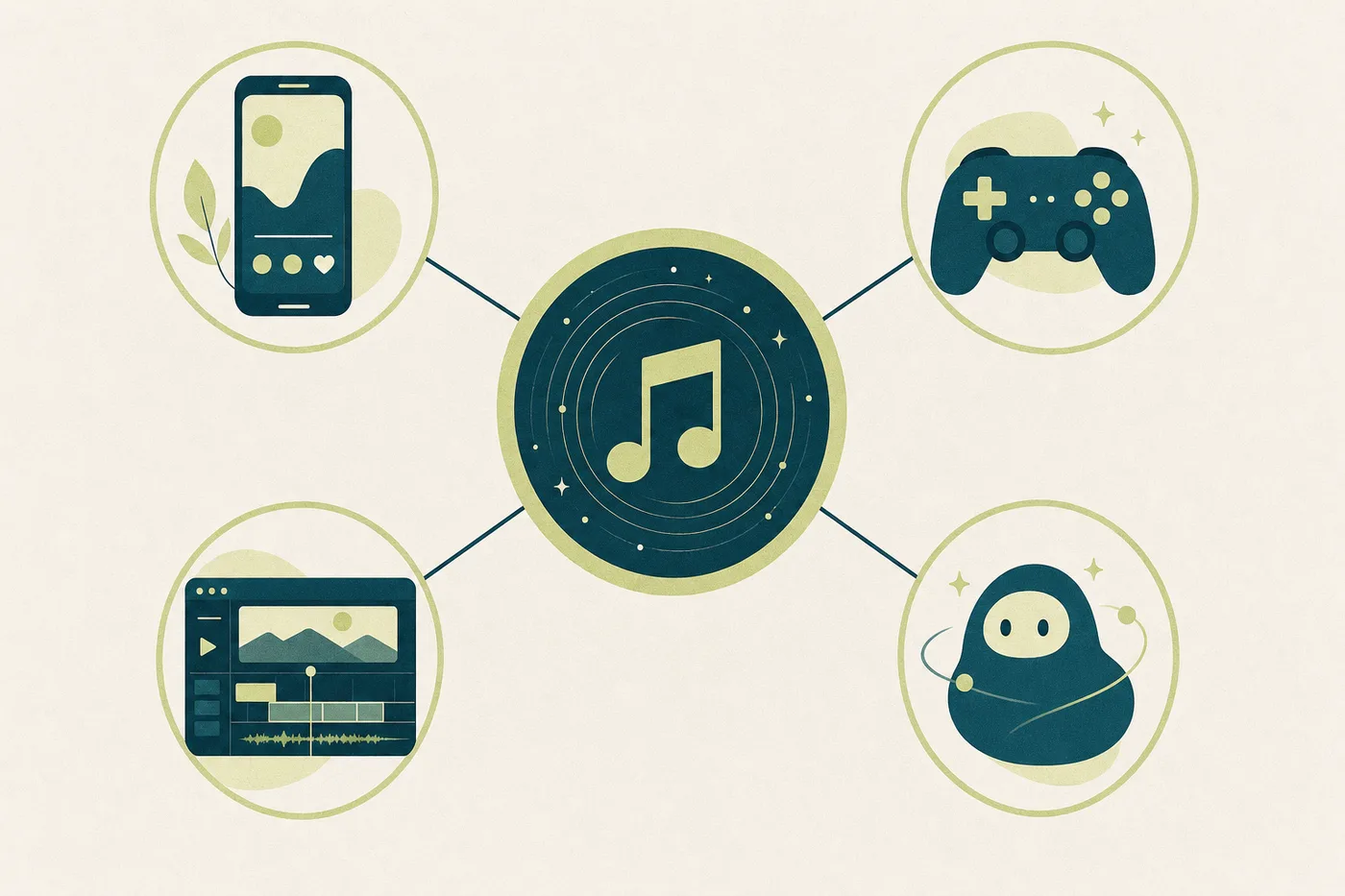
The Rights Foundry is a licensed music API: 110,000+ tracks from 3,500+ independent artists, every one cleared for both the recording and the composition, licensed directly from the people who made it. Searching and licensing are separate steps.
Search the catalog with your API key, filtering by mood, genre, tempo or instrumentation:
curl "https://api.therightsfoundry.com/v1/tracks?search=uplifting%20acoustic&limit=10" \
  -H "Authorization: Bearer $RF_API_KEY"
Or describe what you need in plain language with Deep Search:
curl -X POST "https://api.therightsfoundry.com/v1/tracks/deep-search" \
  -H "Authorization: Bearer $RF_API_KEY" \
  -H "Content-Type: application/json" \
  -d '{"query": "warm, hopeful piano for a product launch video"}'
Listings include an MP3 preview. When you choose a track, license it with one call, which returns a time-limited link to the WAV master:
curl -X POST "https://api.therightsfoundry.com/v1/tracks/12345/sync" \
  -H "Authorization: Bearer $RF_API_KEY"
A license is granted once and does not expire. It covers worldwide use within the media it is issued for, with no ongoing royalties or reporting. Usage is metered against your account's credits, and AI assistants can search and license through our MCP connector, using a connection you approve and can revoke. The full terms are on the licensing page, and the endpoints are in the API documentation.
Integrating a music API, step by step
Decide what the music is for: in-app playback, video export, generated media or all three. That determines the rights you need.
Read the license before the docs. Confirm that it covers your use and your users' downstream use.
Get an API key and make a first search request.
Build browsing on previews, and license a track only when a user commits to it.
Store the license record with the content it was used in, so you can answer a content claim later.
Watch your usage through the API so pricing never surprises you.
Key takeaways
"Music API" can mean playback, data or licensing; only a licensed music API lets your product use the music.
Streaming APIs license music to listeners, not to your app.
Background music and video features need both copyrights cleared, plus rights for what your users publish.
Check rights coverage, license terms, search, file formats, pricing and AI terms before you integrate.
Questions
What is a music API?
A music API is an interface that lets software search, play or deliver music in code. There are three kinds: streaming and playback APIs (such as Spotify's Web API), music data APIs that return metadata and analytics, and licensed music APIs that provide tracks together with the rights to use them in a product.
Is there an API for licensed music?
Yes. Licensed music APIs, such as The Rights Foundry, provide a searchable catalog where every track comes with the rights to use it. The Rights Foundry's catalog has 110,000+ tracks, each cleared for both the recording and the composition.
Can I use the Spotify API to put music in my app's videos?
No. The Spotify Web API gives you catalog data and playback control for Spotify users under Spotify's developer terms. It does not license you to use Spotify's music in your own content, videos or exports. For that you need a licensed music source.
Is there a free music API?
Many music APIs are free to call, but a free API is not a free license to the music. Public-domain and Creative Commons tracks can be free to use, but each track's terms must be checked, and many require attribution or forbid commercial use.
What rights do I need for background music in an app?
You need a license covering both the composition and the sound recording, for your specific use (in-app playback, video or both), extended to what your users publish if they can export content, ideally worldwide and without an end date.
Can I use a licensed music API to train an AI model?
Usually not under a standard license. At The Rights Foundry, using the catalog to train, fine-tune or evaluate a generative audio model is not covered by a standard track license; AI uses are licensed separately, so contact us before you start.